 Week on Paper
Support
Week on Paper is one sheet of paper for your week's to-do list, on iPad with Apple Pencil. Write to [email protected], or in the app tap the info button, then Send feedback. Every message gets an answer, usually within two working days.
How it works
- Write a to-do anywhere with Apple Pencil. After a short pause it moves to the next free row and shrinks to fit.
- Cross out or scribble out a to-do when it is done. It stays in place that day, then moves to the done list.
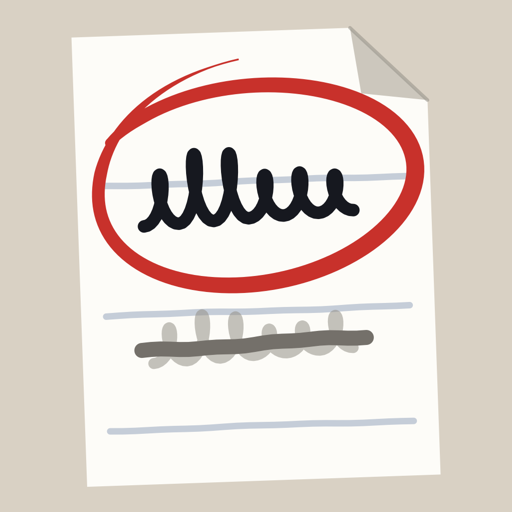
- Circle a to-do, with a little room around it, to mark it important. It turns red and moves to the top of your list.
- Erase a to-do with the eraser (or double-tap your Pencil) to remove it. Undo brings it back.
- Move a to-do: press and hold it with a finger, then drag it. A to-do moved out of the top list goes back to its place by the time you wrote it.
- Monday: a new page appears by itself. Nothing moves over: a card shows last week's open to-dos. Write again what still matters, then cross each one out on the card.
- Earlier weeks are in the calendar menu. The share button exports any week as an A4 PDF. The info button replays the short tour.
Common questions
Does it need an Apple Pencil? Yes. Only the Pencil writes; a finger scrolls and moves to-dos.
How much does it cost? The first week is free. Then a one-time unlock. No subscription, no account.
I have a new iPad. Restore your iPad from a backup to bring your pages, then tap "Restore purchase" if the app asks.
Where are my pages stored? Only on your iPad. Export a PDF to keep a copy anywhere you like.
The paper does not move when I tilt my iPad. With Reduce Motion on (Settings, Accessibility, Motion), only the light and shadow move. This is on purpose.